How do I show seconds in a Discord timestamp?
Answer: Use uppercase T as the format letter: <t:UNIX_SECONDS:T>. Lowercase t shows hours and minutes; uppercase T includes seconds. For this verified example, copy <t:1791088496:T> into a normal Discord message. The same number with lowercase t refers to the same instant but omits seconds in the time display.
<t:1791088496:t><t:1791088496:T>Paste as ordinary message text, without backticks.
A participant in a user discussion about making local-time labels pointed out the lowercase-versus-uppercase choice. The rule itself is documented in Discord's official message-formatting reference.
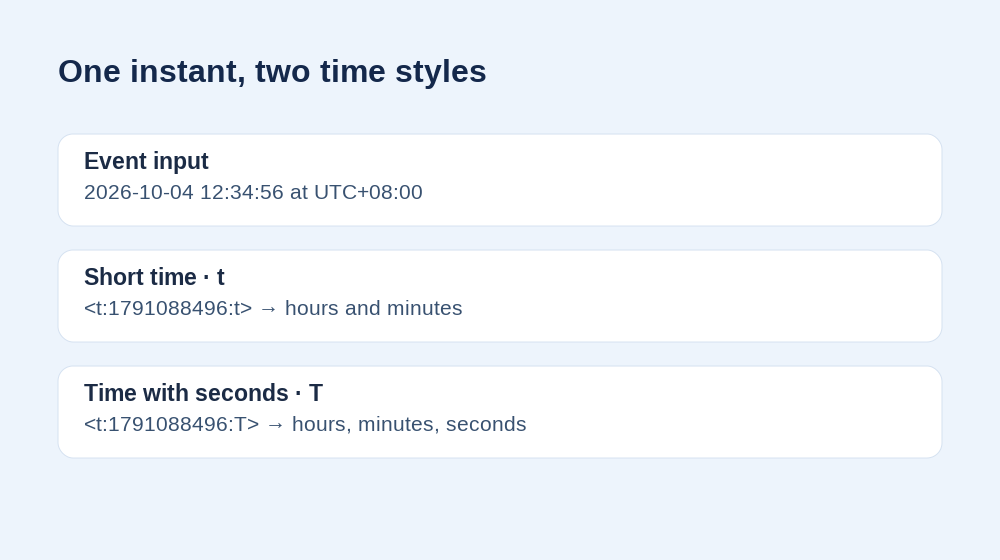
Why does this example use that number?
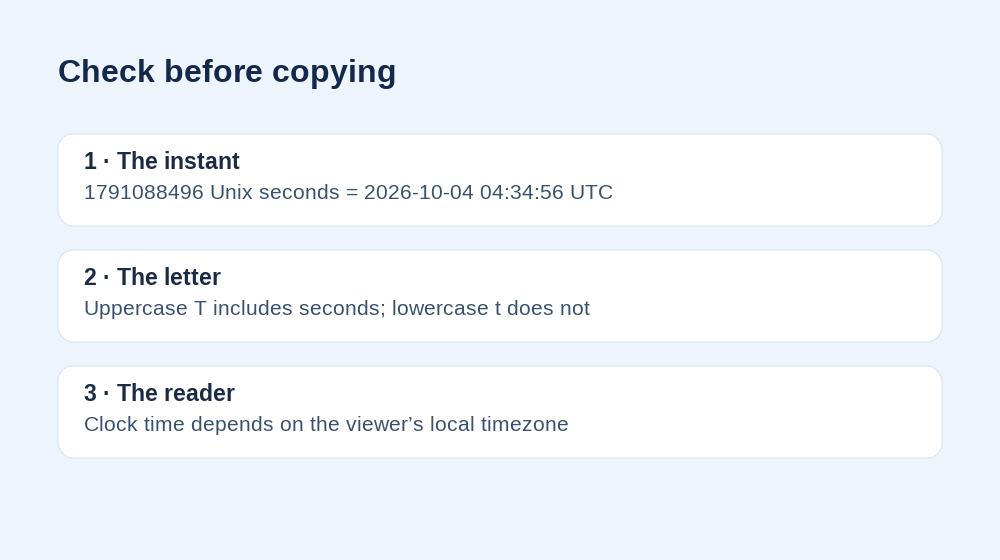
The source time is 2026-10-04T12:34:56+08:00, which converts to 2026-10-04T04:34:56Z. Counting Unix seconds gives 1791088496. You can reproduce it in JavaScript with Math.floor(Date.parse('2026-10-04T12:34:56+08:00') / 1000). Both codes above keep that number fixed; only the final letter changes. At UTC+08:00, a 24-hour browser preview would read 12:34 for t and 12:34:56 for T. Discord may use the reader's locale and clock preferences, so the punctuation or 12-hour/24-hour style can differ.
Does uppercase T change the timezone?
No. A Discord timestamp stores an instant as Unix seconds. A reader in another timezone sees that instant on their local clock. Changing t to T selects a display style; it does not edit the number or force everyone to see the same hour. For a cross-date case, see our different-day example.
What if the seconds still do not appear?
Check the final letter first: T and t are different. Next check that the number is in seconds, not milliseconds. Paste the code as regular text, without a code block or backticks, and inspect the rendered message. If your message still shows the literal markup, review the full <t:number:style> syntax rather than changing the event's timezone.
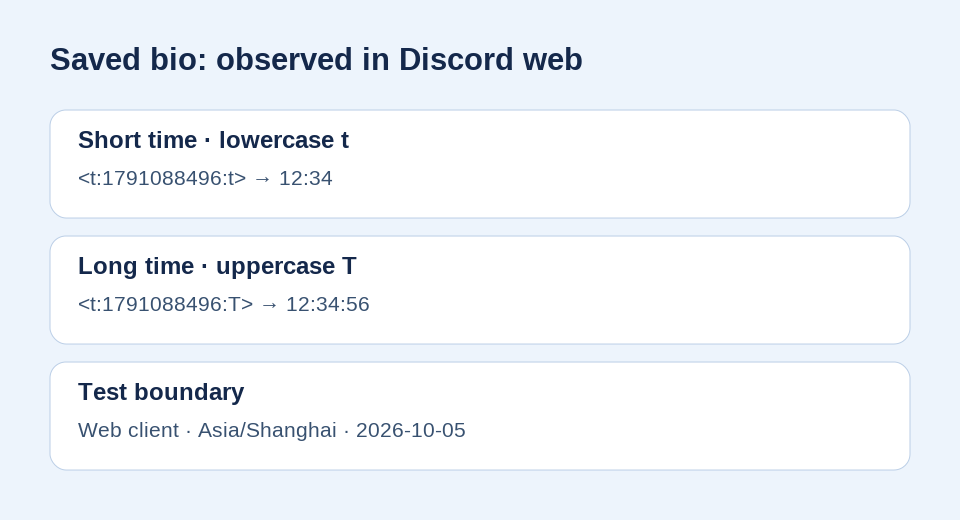
These same two style letters also rendered in our Discord web-client bio test. The test is limited to that client and session.
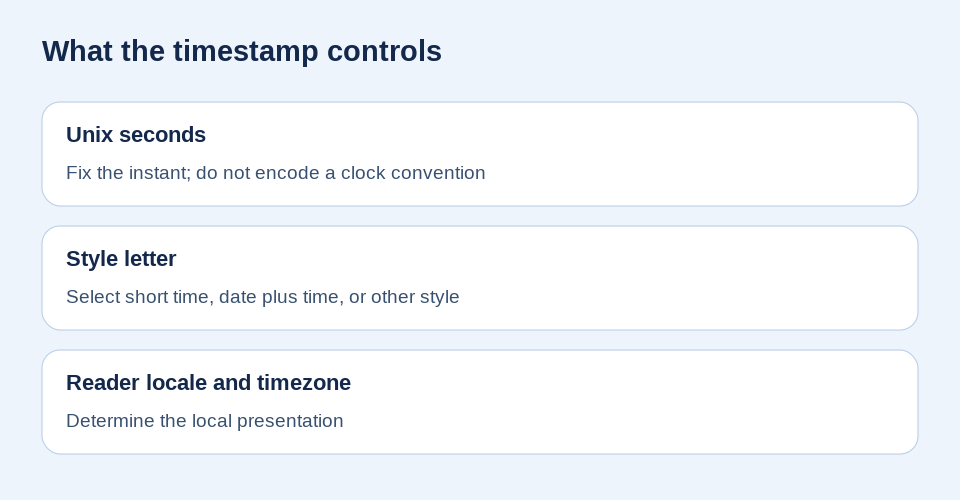
For the separate question of 12-hour versus 24-hour clock display, see the reader-locale comparison.
Sources and method
The t/T distinction and message syntax come from Discord's official reference. The linked community thread supplied a real question and a style-letter clue, not copied article text. We computed the offset-to-UTC conversion and Unix seconds independently, built both codes from that value, and designed the comparison and diagrams for this page. The textual preview describes the formats; it is not a claim that a live Discord client was tested.